There are thousands of online tools making big promises about making life easier. So many in fact, that finding the right ones, the real gems, is now what takes the time. So let us help!
These five have quickly become some of our everyday go-to’s. They’re simple, mostly free, and solve problems that crop up on pretty much every website project.
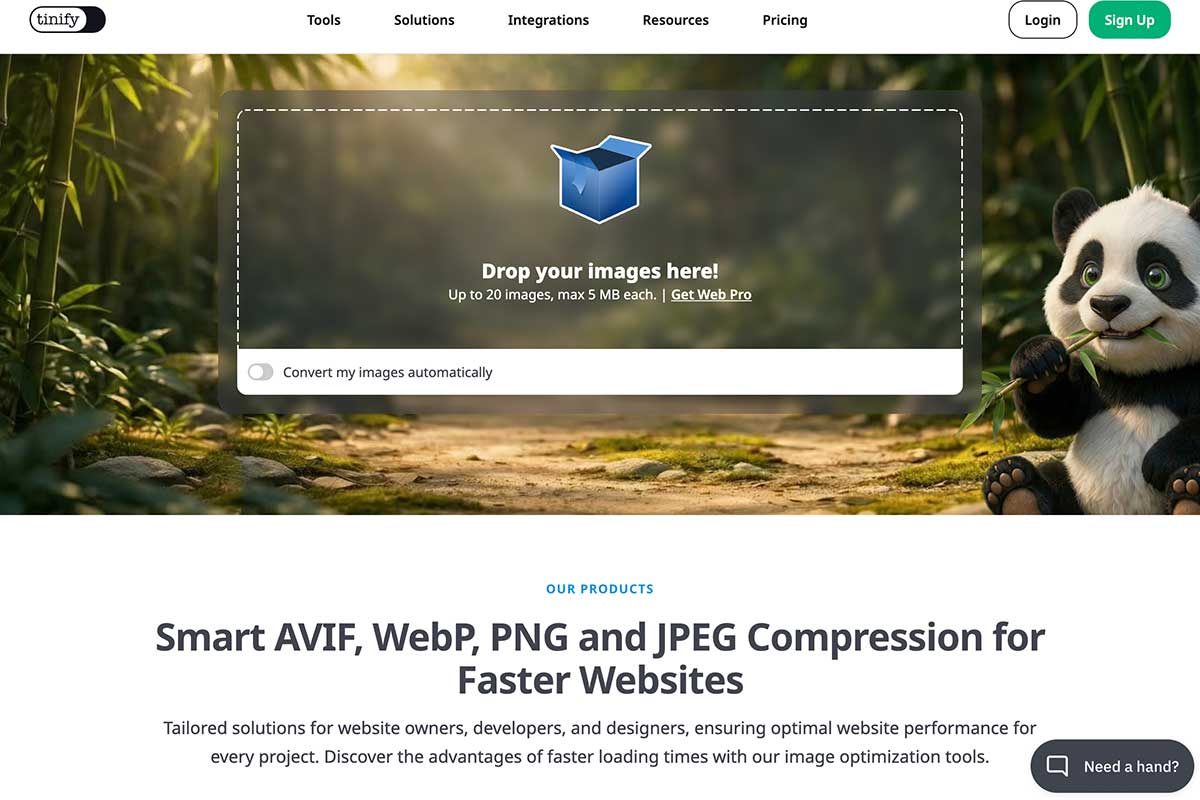
1. TinyPNG
Make images smaller. Much smaller.
We’ve lost count of the number of websites we’ve seen with enormous image files slowing everything down. Before uploading almost any image, we run it through TinyPNG.
It compresses images without making them look noticeably worse, meaning faster websites, happier visitors and better Google performance.
One of those tiny jobs that makes a surprisingly big difference. Also a notable mention, to Squoosh, which is Google’s version.
2. ChatGPT / Claude / Copilot – or your digital helpful elf of choice
Not to write your content (please, no!). To get you unstuck. We know lazy use of AI is everywhere, but the best use we’ve found isn’t asking it to write an entire webpage, instead, use it as a thinking partner.
Some things you could ask it to help with:
- suggest FAQs that your customers might actually ask
- help organise your thoughts before you start writing
- decode your internal jargon, so it is something your users actually understand
You’ll still end up with content that sounds like you, you just may get there a little faster!
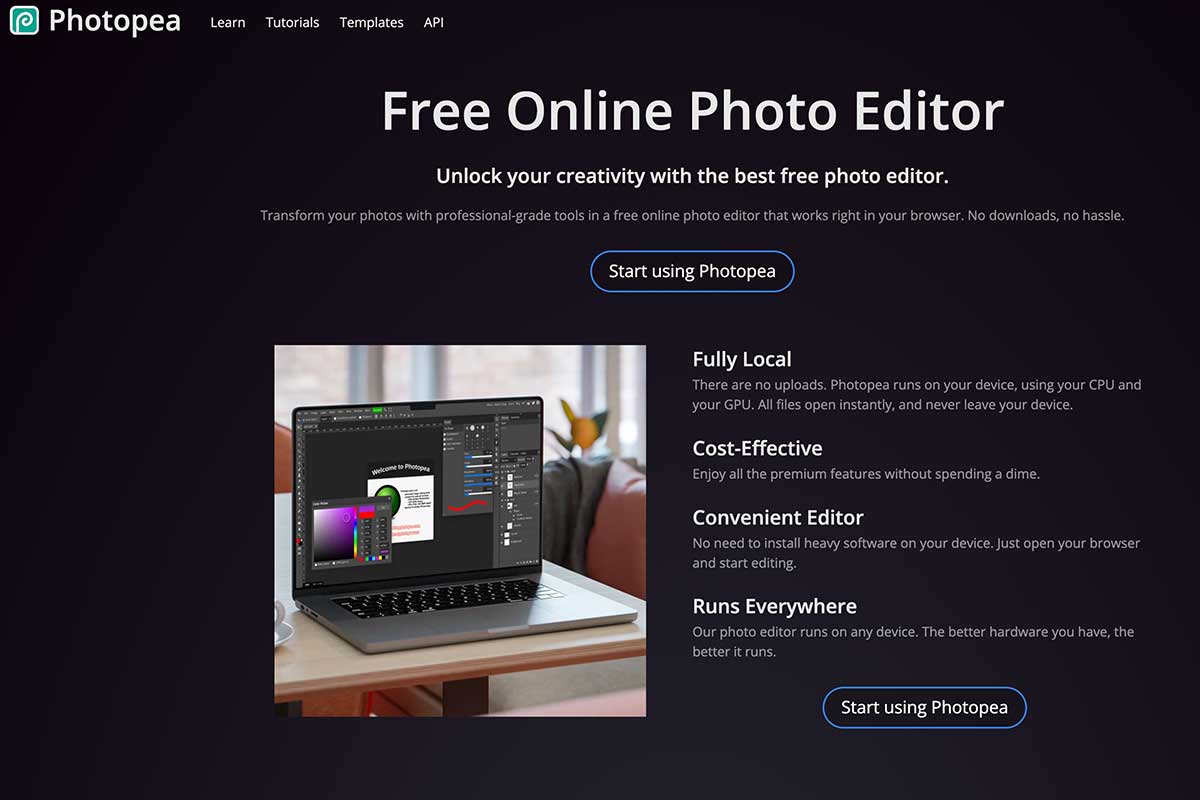
3. Photopea
Like Photoshop. Without the price tag.
Need to crop someone out of an image? Remove a background? Add some text? Photopea works entirely in your browser and can even open Photoshop (.PSD) files.
It’s become our go-to recommendation for clients who need to make the odd image edit to ensure their website is kept up to date. An absolute gem of a tool!
4. Smash
When your files are simply too big for email. We’ve slowly stopped using WeTransfer (the download window is now so short!)
Smash lets you send large files without forcing the recipient to sign up for anything, and for most everyday jobs there isn’t even a file size limit on the free version.
Ideal for sending videos, photos or large swathes of content without resorting to “Have you got Dropbox?” emails. And it gives you 7 days to download it. Perfect!

5. ScreenPal
Sometimes it’s just easier to show someone! We’ve all been there – when an explanatory email turns into a confusing tome.
So when you can’t find a suitable meeting time, ScreenPal lets you record your screen (and your voice if you want to*) in just a few clicks. A 30-second video is often worth far more than ten paragraphs of text. Definitely easier to understand!
It’s one of those tools that saves time for everyone involved.
*why do our voices sound SO different to how we hear it in our head?
And one bonus tip…
Granny, suck and eggs may come to mind here but Bookmark the websites you actually use! We really don’t think people Bookmark enough. It is so useful. Especially if your memory isn’t quite what it used to be and you spend minutes of your day trying to remember, ‘that image file thing Herd told me about.’ Bookmark it! You won’t regret it.